

Riding a Mount
On This Page
※ For the OPEN BETA period only
You can rent a mount for travel from the NPC [Xiang Xiang] in Lan Chow. Beasts, flying mounts and wheeled mounts are available.
1. Talk to the NPC Xiang Xiang
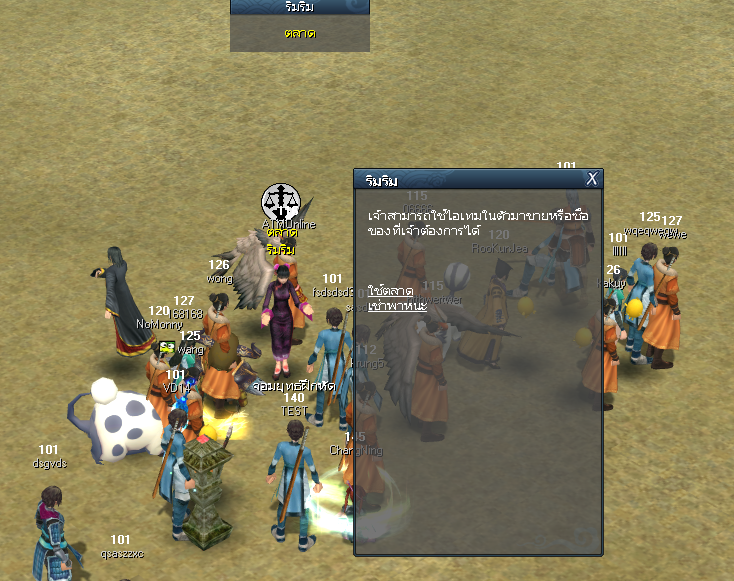
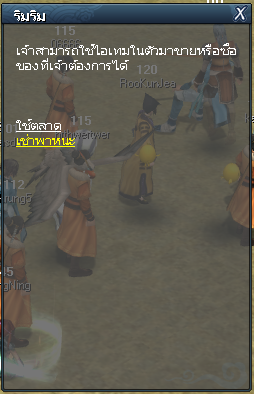
Go to the NPC [Xiang Xiang] in Lan Chow (look for the Market sign overhead) and choose [Rent a mount].
2. Choose and Rent a Mount
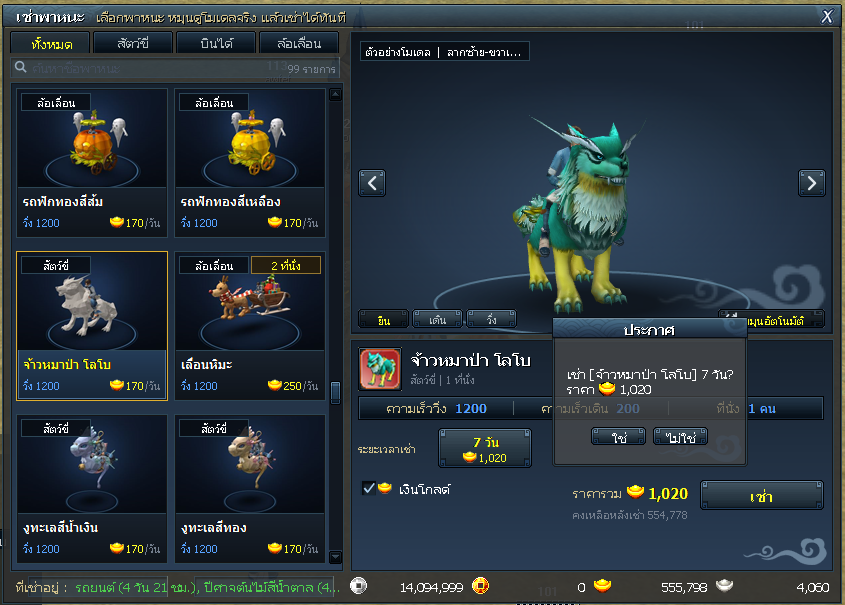
1) Choose a mount from the list, filtered by [Beasts] [Flying] [Wheeled], or type a name in the search box.
2) Check the model preview on the right (drag left-right to rotate) along with its run speed, walk speed and number of seats.
3) Choose the [Rental time], click [Rent], then click [Yes] to confirm.
The rental is paid with GOLD (the [Gold] box is ticked). See how to get GOLD in the Where to Get GOLD guide.
● The [Rented now] bar at the bottom of the window shows your rented mounts and their remaining time.
3. Summon and Ride
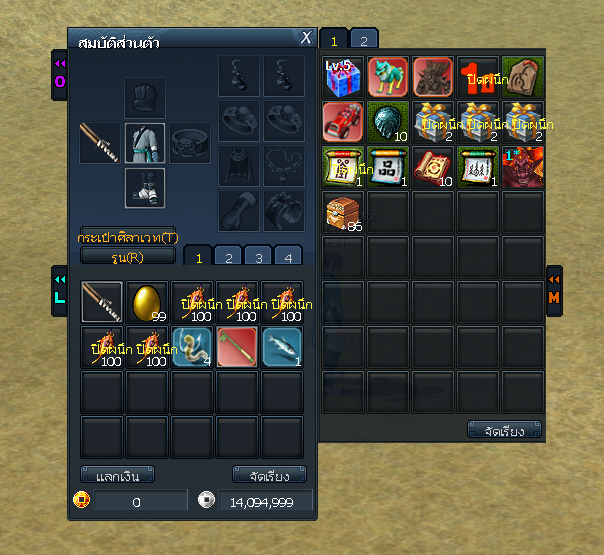
1) The rented mount goes into your Inventory. Double-click it to summon the mount.
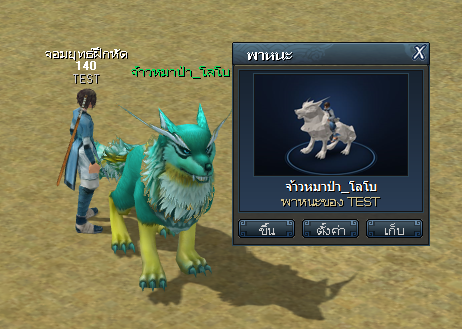
2) The [Mount] window appears. Click [Get on] to ride, or [Seal] to put the mount away.
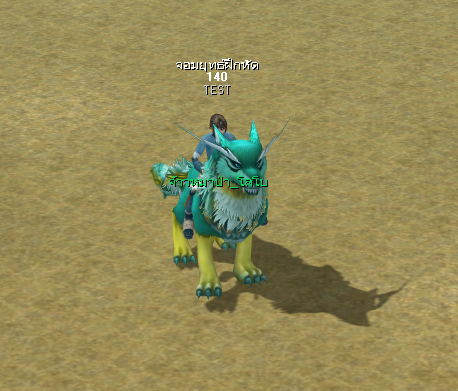
● On mounts with more than 1 seat, other players can ask to ride along. The owner receives a request to allow it.